Enterprise integration

Approved hours move through e-Boekhouden with ledger control

Customers and ledger accounts stay aligned while finance controls when hours are invoiced.

e-Boekhouden customer data and ledger accounts become available inside Half5 while project and customer time tracking stays familiar.

The integration is designed for manual sending: finance reviews the invoice and decides when approved hours move into e-Boekhouden.
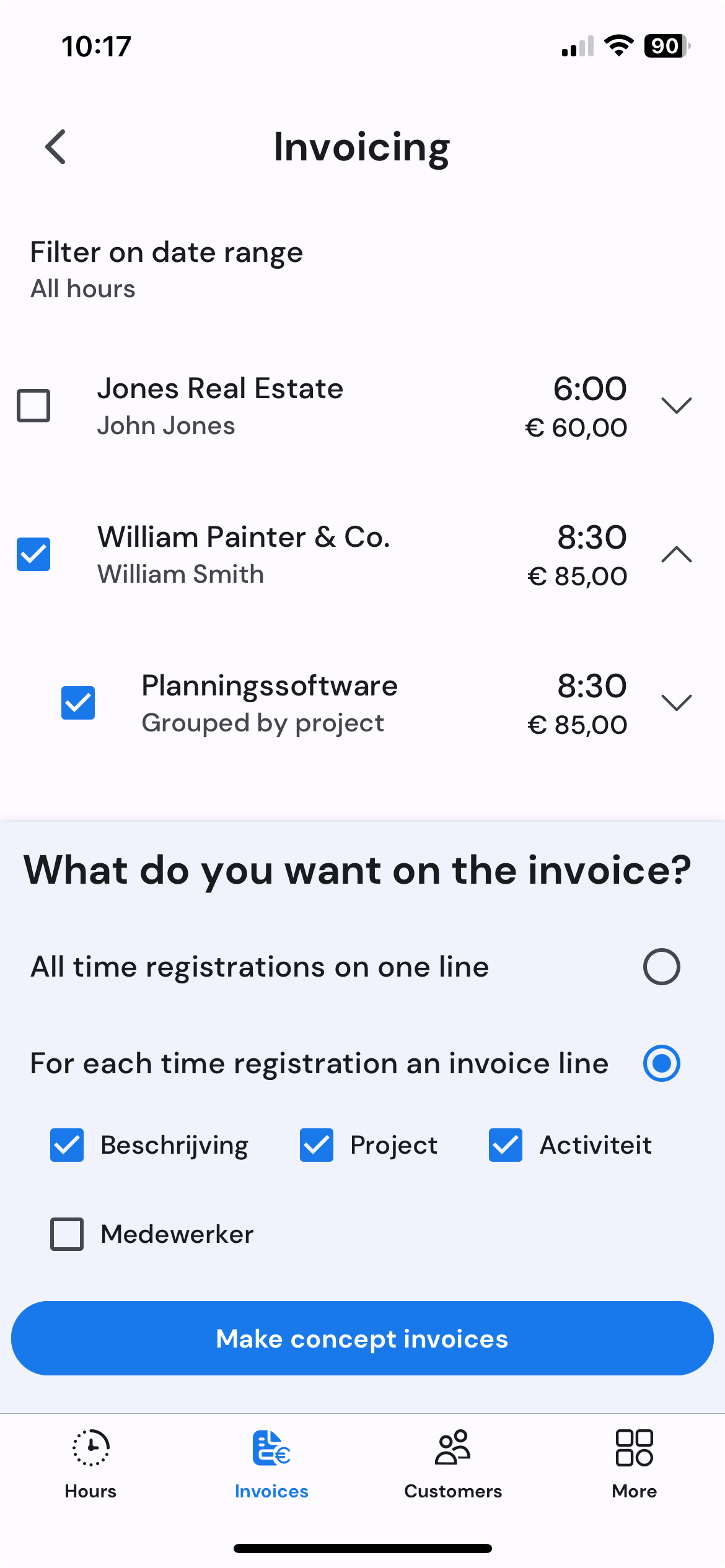
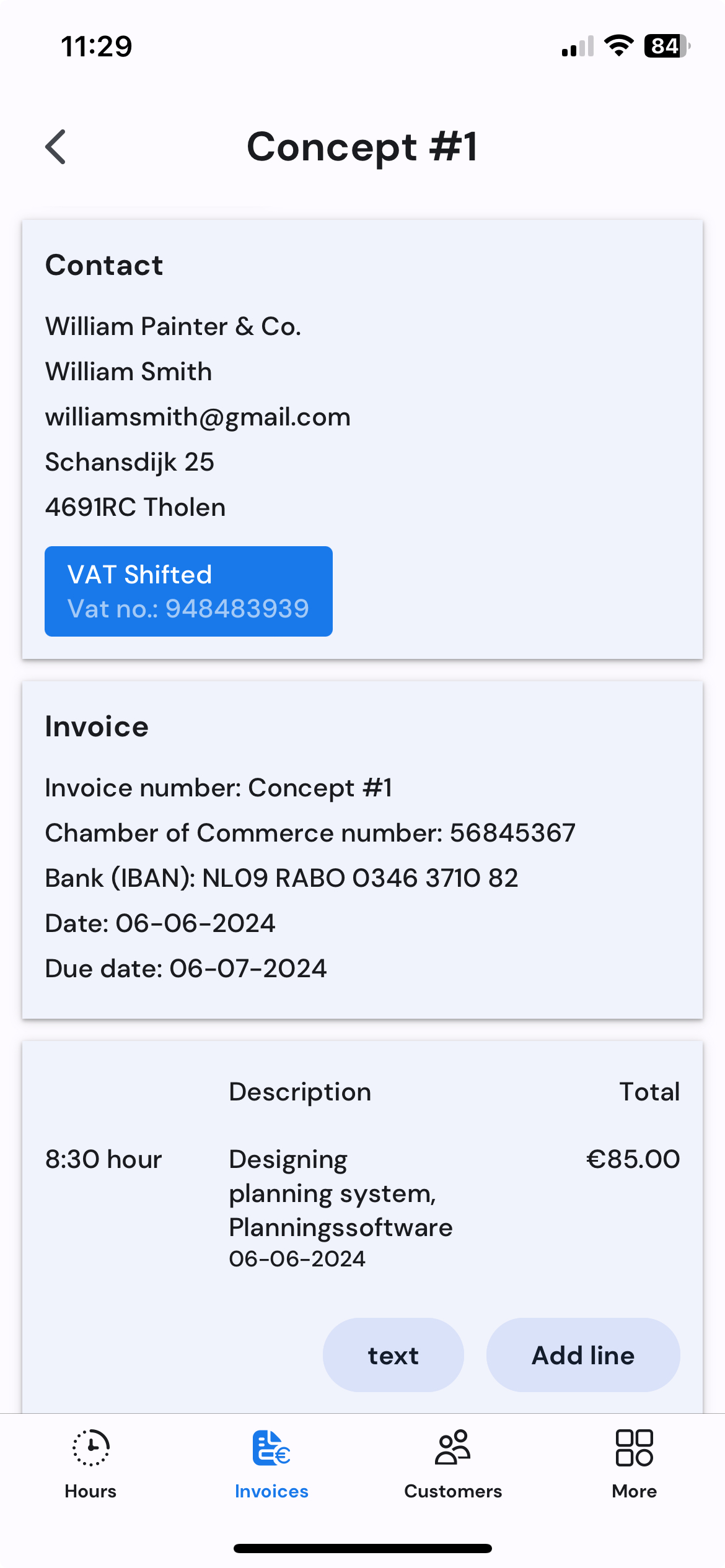
Invoice overview with approved hours on mobile Draft invoice details on mobile
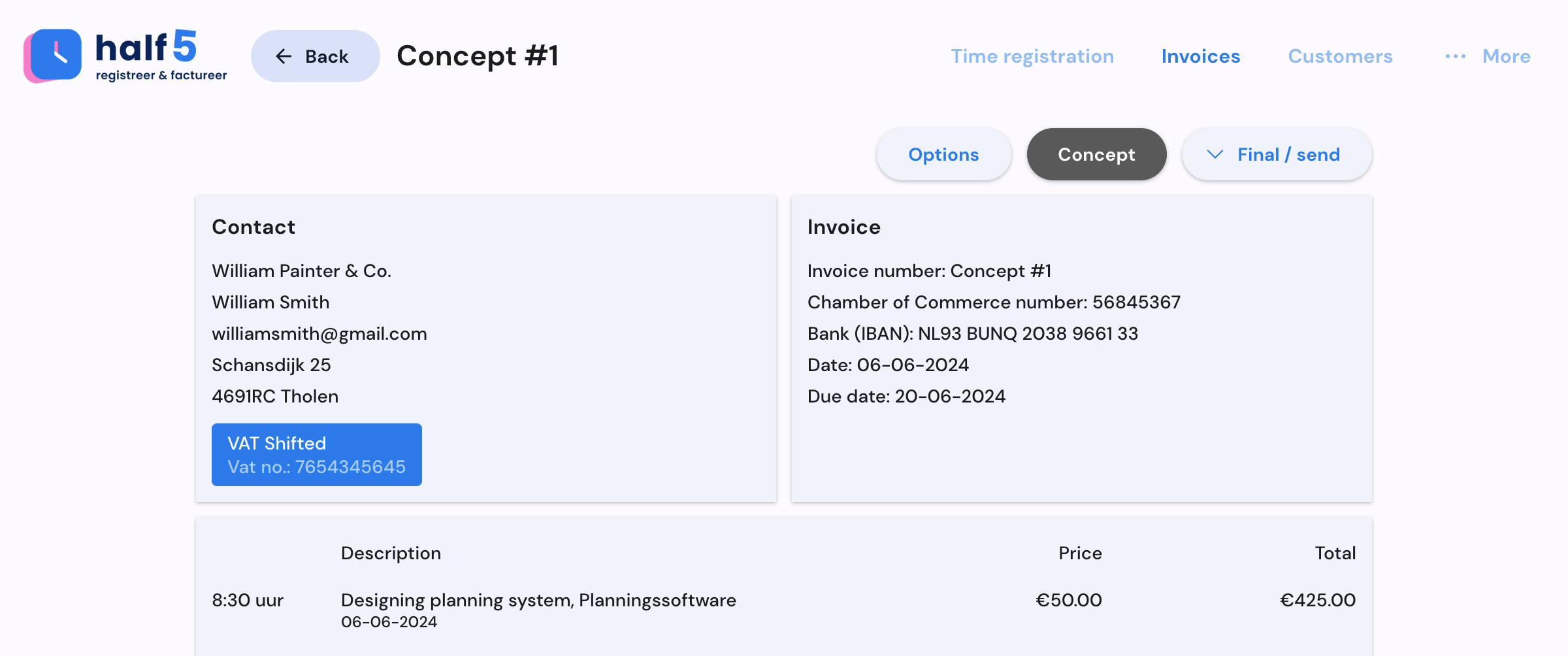
Invoice workflow on desktop
Invoice overview with approved hours on mobile Draft invoice details on mobile
Token setup manageable connection for the finance owner
Manual send finance decides when approved hours move on
Ledger control invoice lines land in the right administration context
e-Boekhouden control route

e-Boekhouden gets clean invoice data after ledger and customer context are checked.

Half5 keeps the operational source visible, while finance stays in control of the moment approved hours enter the administration.

01

Customers and ledger accounts are available

Users register work against the right customer while finance keeps the ledger route predictable.

02

Review happens before accounting receives it

Submitted hours, exceptions and ledger choices stay visible before the invoice is prepared.

03

Manual sending stays with finance

The integration supports a deliberate final check for teams that do not want automatic sending.

What every role sees

Every role sees why e-Boekhouden can be connected safely.

Before the start, it is clear which hours create revenue, what stays personal and which systems may use approved data only.

Users

The raw timeline stays personal; only submitted hours move forward.

Team leads

Exceptions and customer context are visible before invoicing pressure starts.

Finance

Approved hours arrive as data an invoice can rely on.

IT and agents

Systems and agents receive only data the organization is allowed to use.

What e-Boekhouden connects

Finance keeps ledger control while approved hours become invoice data.

e-Boekhouden is strongest for teams that want customer sync, ledger control and manual sending in one reviewed route.

Ledger control

Ledger accounts for invoice lines keep hours landing in the right place in the administration.

Manual invoice sending

Invoices are sent when administration is ready. Half5 keeps the source hours and approval status attached.

Customers and projects

Contacts and project context stay available for the people registering time, reducing wrong customer bookings.

Clear exceptions

Missing links and synchronization issues are visible before they become invoice corrections.

In practice

See how ledger control stays part of the invoice route.

Approved hours, customer data and ledger choices stay visible before finance sends work to e-Boekhouden.

Invoice selection from approved hours on mobile
Draft invoice details on mobile
YouTube video thumbnail
Example

Approved work keeps ledger context

Half5 turns approved hours into invoice lines and keeps ledger selection part of the review before sending.

  • Reviewed hours before e-Boekhouden receives them
  • Ledger accounts keep bookkeeping predictable
  • Invoice ownership stays with finance
Invoice overview in Half5
Example

Customer synchronization for the whole team

Teams work from the same customer data while finance keeps the accounting system as the administrative source.

  • Wrong customer bookings become less likely
  • Synchronization issues stay visible
  • Larger teams work with consistent data
Invoice overview in Half5

More routes for approved hours

Accounting packages, CRMs and agents become powerful once they can use the same approved hours.

Live integrations can join the time process immediately. If your system is missing, we first look where approved hours can most quickly create revenue, reduce corrections or speed up invoicing.

If a system is missing, we decide together which team starts, which approved data may move on and when the integration pays for itself.

Discuss an integration