Per person, per day, per project.
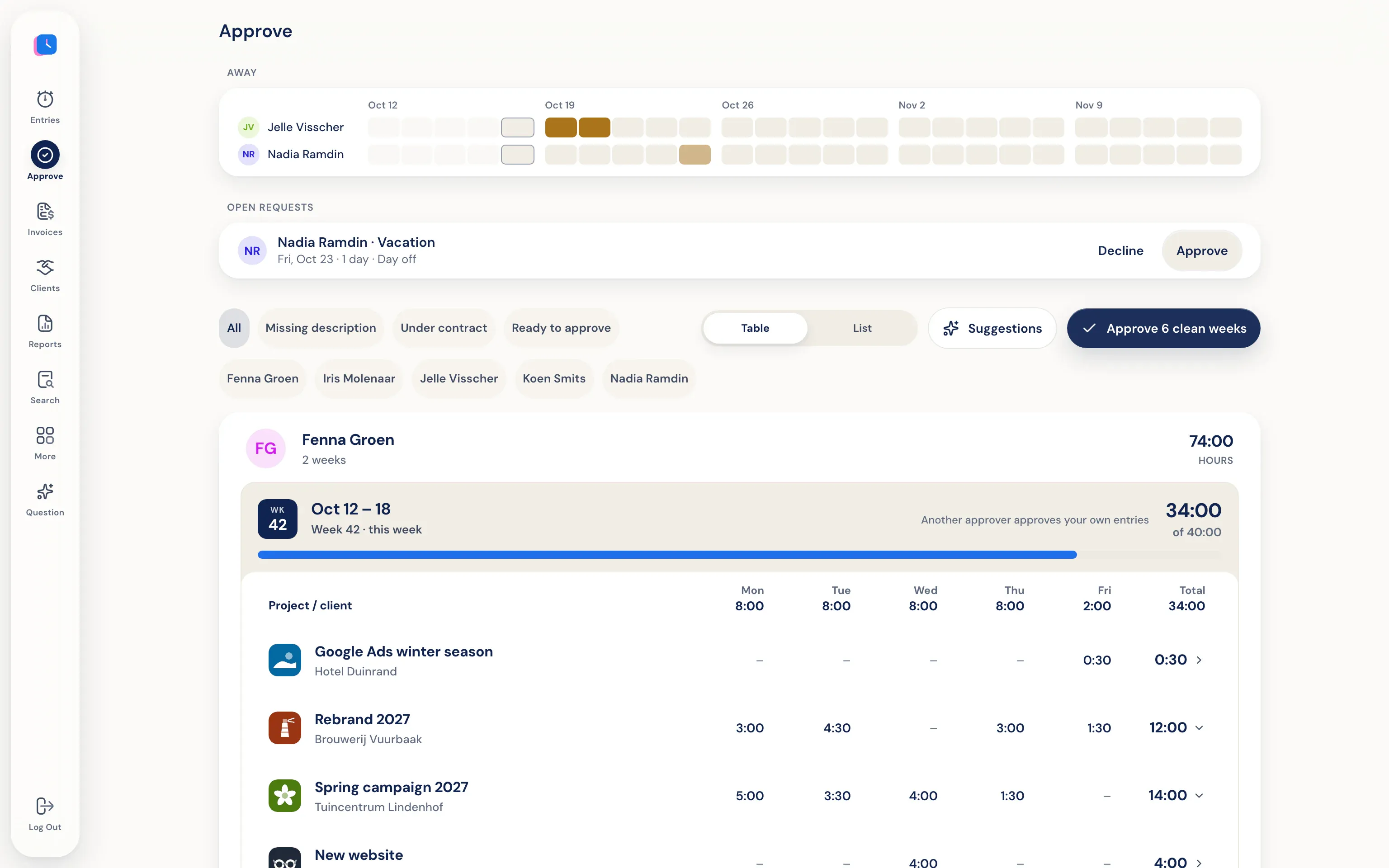
A week with fewer hours than the contract week, and hours without a description are flagged. That's where you look first.
- Approve all at once
If the week looks good, approve it all at once. No need to click through each line.
- Reject with a reason
If a line isn’t right, reject it with a reason. The employee sees your reason on that line. You can send a question by email from the same screen.
- Invoice only after approval
With approval turned on, only approved hours go on an invoice. Someone else approves your own hours.
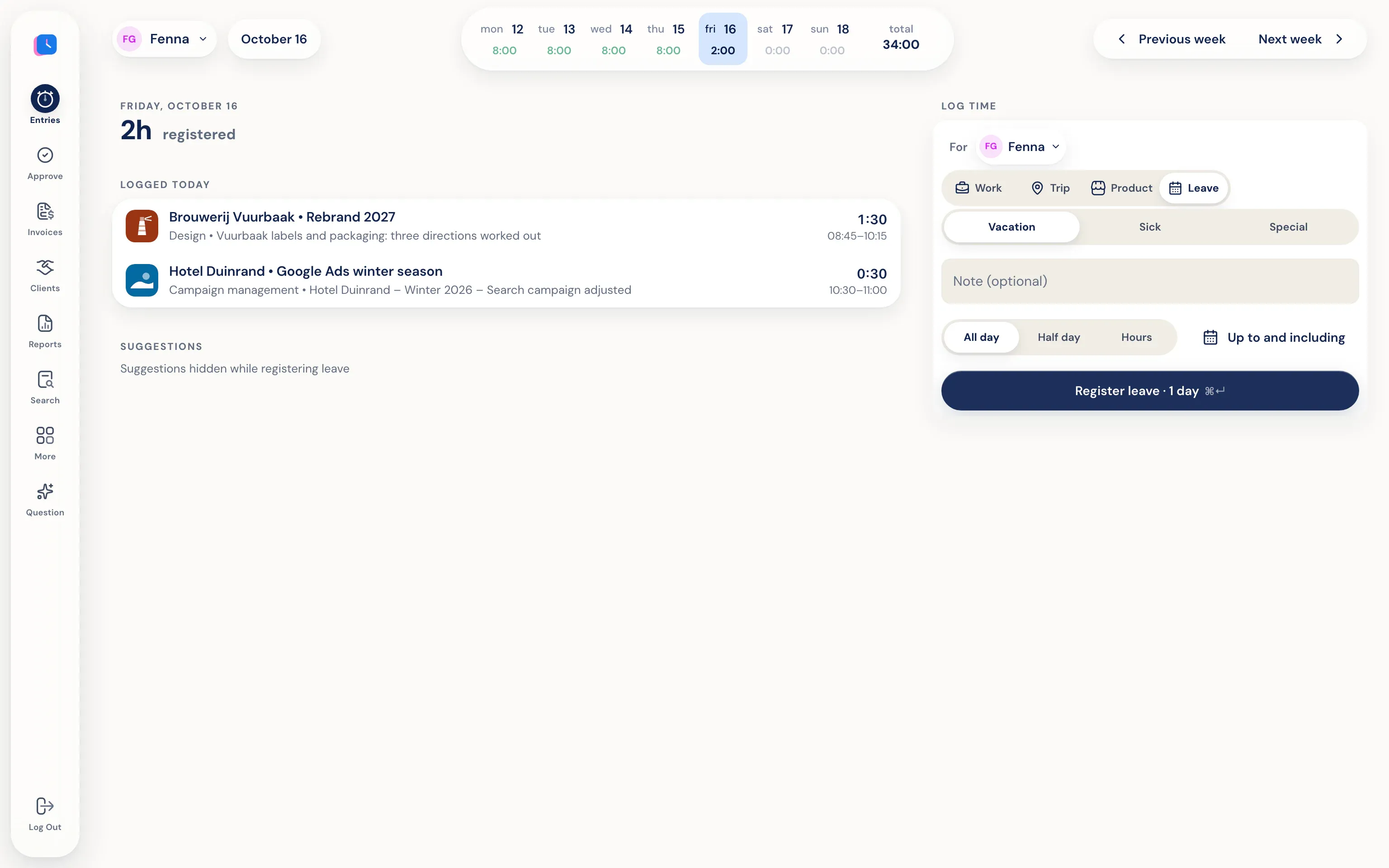
Request leave right where you log your hours.
A day off, half a day, or a few hours. The request then goes to the top of approvals, next to who else is off those weeks.