The admin sets it up once.
- 1
Enable sharing
In the Pipedrive, Outlook, or Google integration, the admin turns on “Share appointments with the team”.
- 2
Select types
You choose which appointment types count, like Installation, Measuring, and Service. Calls and email tasks stay private.
- 3
Choose split
Appointments go to the assigned user, or to the people whose initials are in the title.
The title shows who's going.
-
Installation RL JV · Dorpsstraat 12
This appointment is assigned to Richard and Jan.
-
Table from names
Half5 suggests an initials table based on your users' names. You can adjust it as needed.
-
Nothing gets lost
Unknown initials stay with the planner, with the message “Unknown initials: XY”.
From appointment to address to hours.
- Your appointments
Employees see their own appointments in the Calendar by day or week. The planner sees the entire team.
- Two taps to the address
One tap opens the project. A second tap starts navigation to the address.
- Hours on the right project
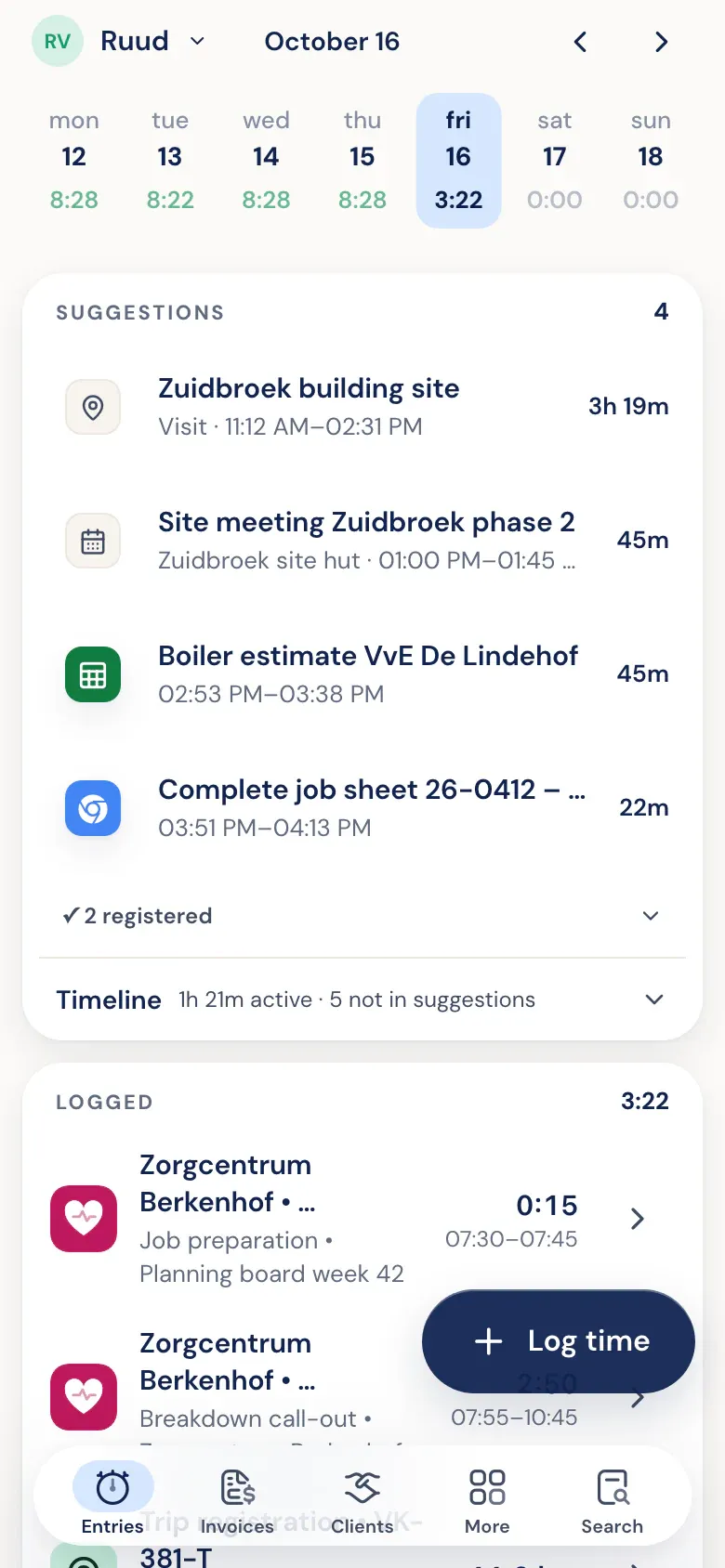
Appointments also appear on the Timeline. Afterward, Half5 suggests logging the hours to the right project.
- Only when you share
The Calendar only appears in the menu if your company shares one. Users who only log hours won't see it.
What's on the deal is on the project.
-
All deal details
The project displays every Pipedrive deal field as an easy-to-read list. Links are clickable.
-
Contact, notes, and files
The deal's contact, notes, and files are included.
-
Amounts hidden
Deal values, product prices, and financial fields are hidden from employees. Admins and managers can still see them.
Your custom fields and documents.
-
Custom project fields
Without Pipedrive, you can add your own fields: text, number, choice, link, date, or amount.
-
Who sees the field
For each field, you choose: visible to everyone or admins only.
-
Project documents
Store documents with the project.
Deals, products, and an export.
-
Products
Deal products become project products.
-
Deals board
A board showing deals by pipeline and stage.
-
Export to Excel
Export projects, including their fields and products, to Excel.