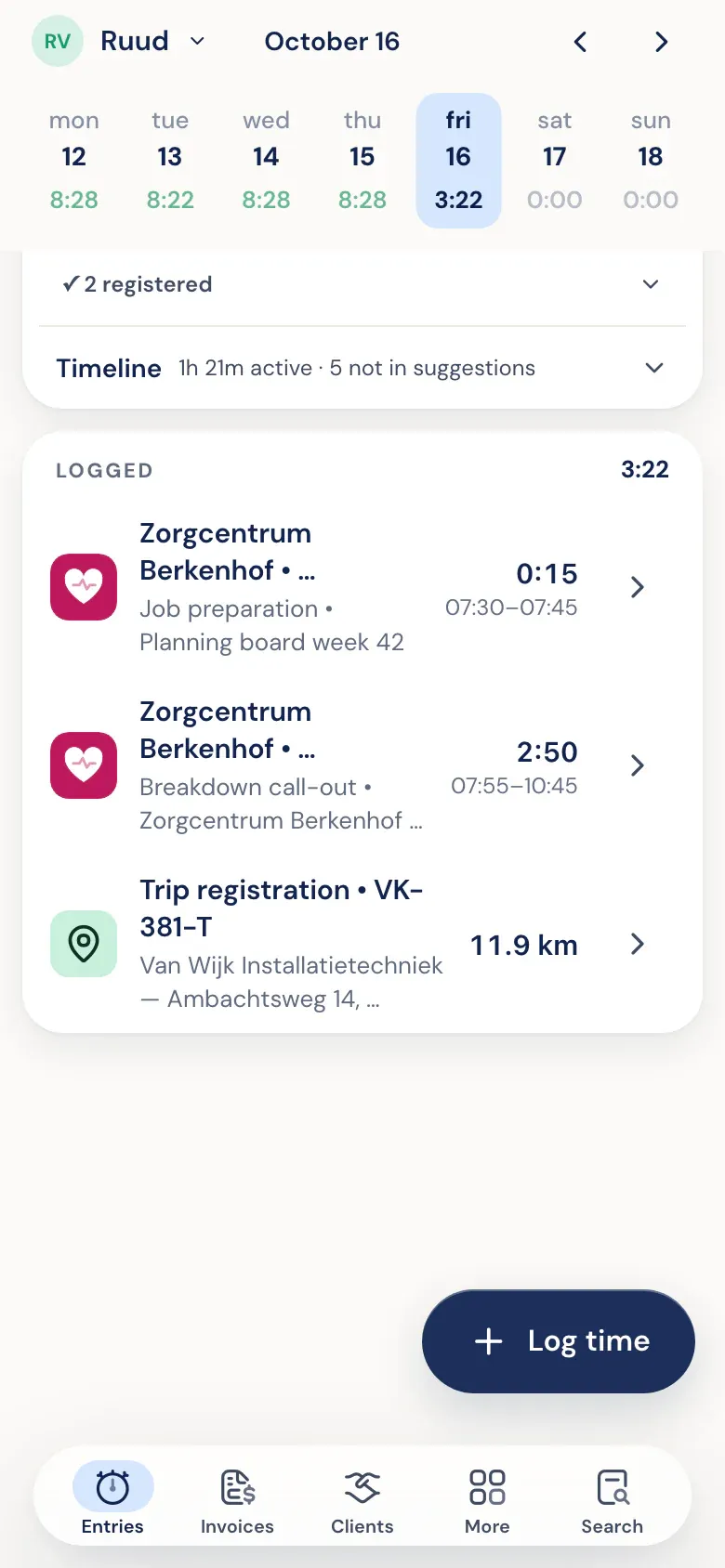
A drive sits among your hours.
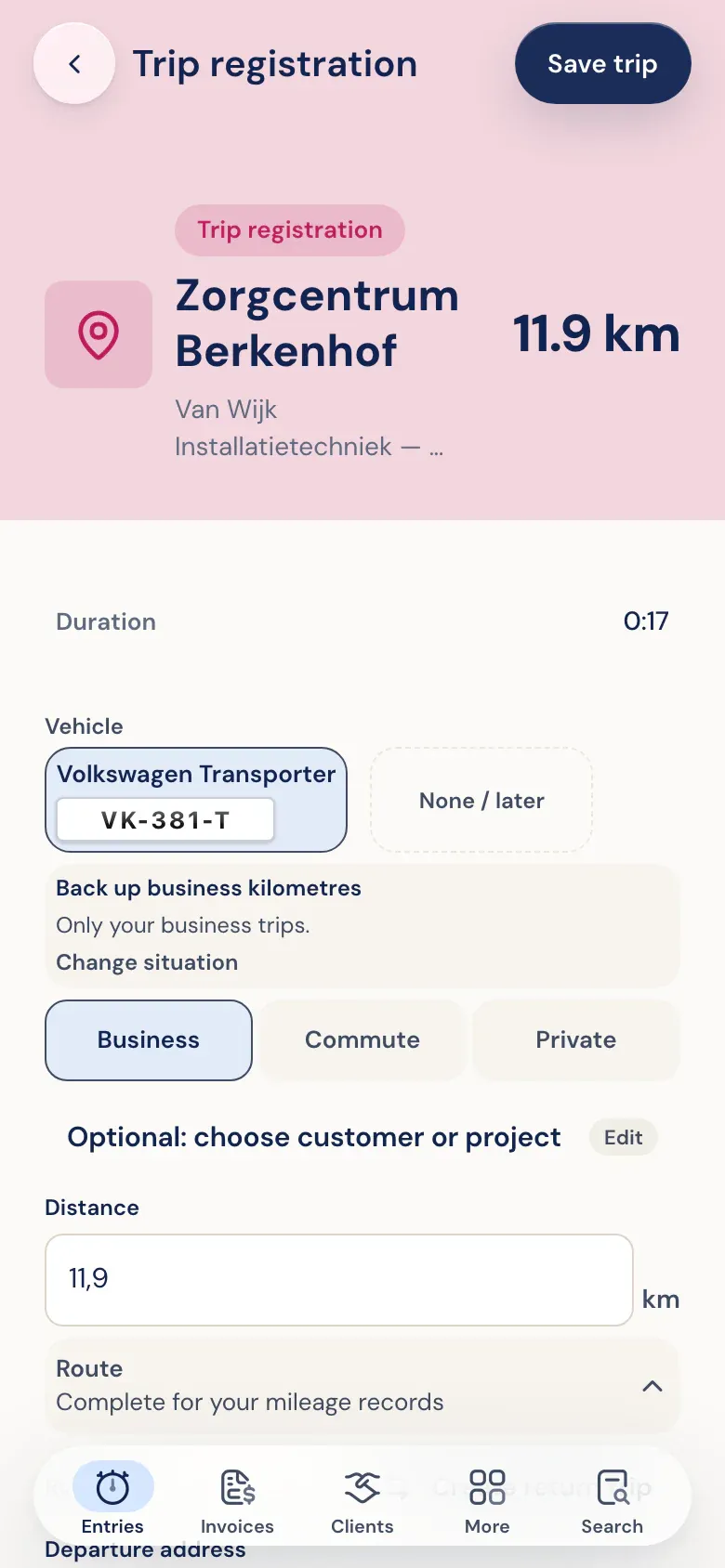
Car, purpose, and distance on one screen. The trip is added to your day, right alongside your work for the same client.
Approve only where money is involved.
- 1
Detect
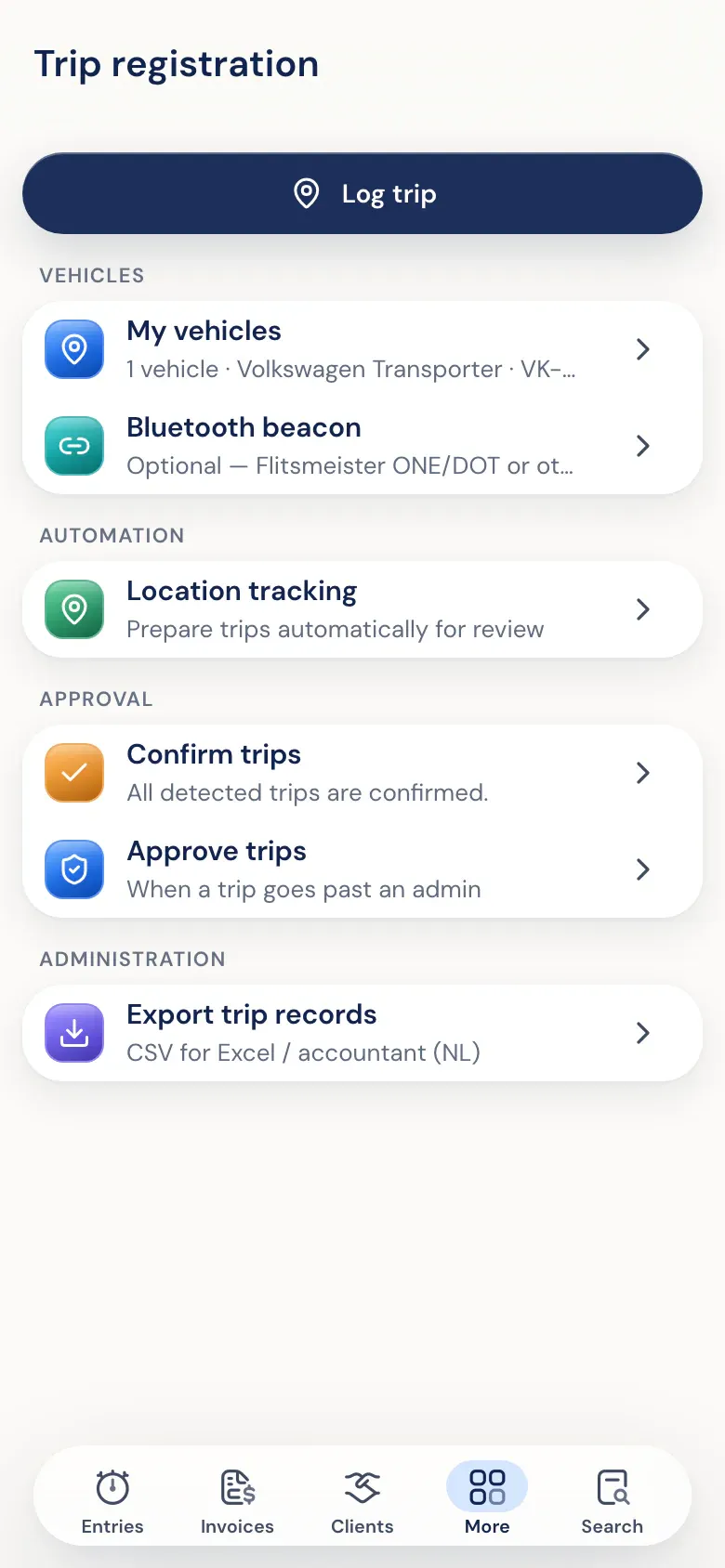
Turn it on and the app on your phone will automatically detect trips. Your phone looks up place names, not the Half5 server.
- 2
Confirm
Detected trips are waiting for you. You confirm them weekly, or adjust them first.
- 3
Approve when money is involved
Only trips you bill to a client, or that get a mileage allowance for your own car, go to approval. Everything else just stays in your log.
- 4
Four eyes
No one approves their own trips, unless they're the only approver. You can give a reason when declining.
How much you log per trip depends on the vehicle.
-
The vehicle decides the fields
A personal car with mileage reimbursement needs date, distance, and reason. A company car with a no-private-use declaration needs a full trip log. You never enter more than you have to.
-
Country-specific rules
Half5 knows the rules for the Netherlands, Belgium, Germany and France. A new vehicle starts on the lightest regime for your country; you don't have to answer a tax question up front.
-
Alongside your hours, not in them
Drives are logged with work and leave, but don't count as hours worked.
Drives that count for clients and your team.
-
Bill rides to customers
By mile, a flat fee per trip, or as travel time. Set the method per client; those trips go through approval.
-
Mileage reimbursement for employees
The approver sees, per employee per week, which personal car trips cost money.
-
Manual entry too
No automatic detection? Add a trip on web, desktop, or phone.