Every six minutes counts. Even the ones you forgot to log.
A quick email to a client, reviewing a clause between two hearings. Half5 remembers which case you worked on. The firm only sees it once you log the hours and submit them.
- Your timeline stays yours
- Mac, Windows, iPhone, Android and web

The work is in the small things. Those are what you write down least.
The hearing is in your calendar. The follow-up email from the other party and your evening review are not.
- 10:40 Nine minutes with a client
A quick process question. You meant to write it down, but your next meeting was already waiting.
- 13:10 Reviewing a clause for a colleague
Just a quick look, turned into half an hour. Which file does that go on?
- 21:30 One more look through the documents
At home, on the couch. Tomorrow you won't remember how long it took.
Half5 remembers it per matter. You choose what to submit.
Per matter, down to the minute.
Half5 works with clients, matters and activities the way your firm is used to, with approval before anything is billed.
- On the right matter
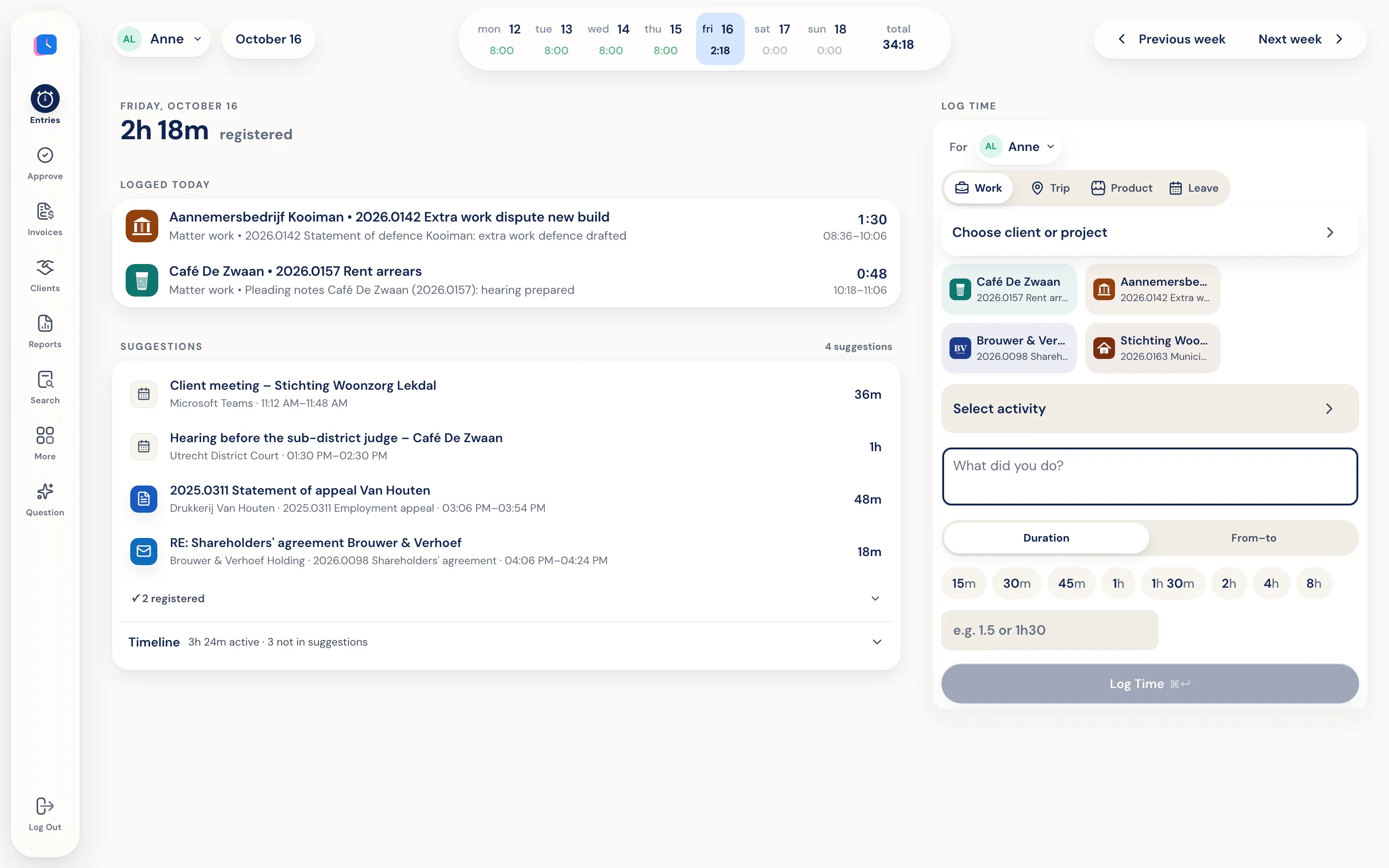
Documents, emails, and appointments are suggested on the client and matter they belong to.
- Partner approval
Hours are approved first, then billed.
- An invoice that adds up
Approved hours go to your invoices and accounting, with a description your client understands.
You work. Half5 sets up your day.
The desktop app on your Mac or Windows PC tracks which programs, websites, files, commits, and AI sessions you used. Your calendar and phone add meetings, visits, and drives. Half5 turns these into suggestions, one for each block of work.
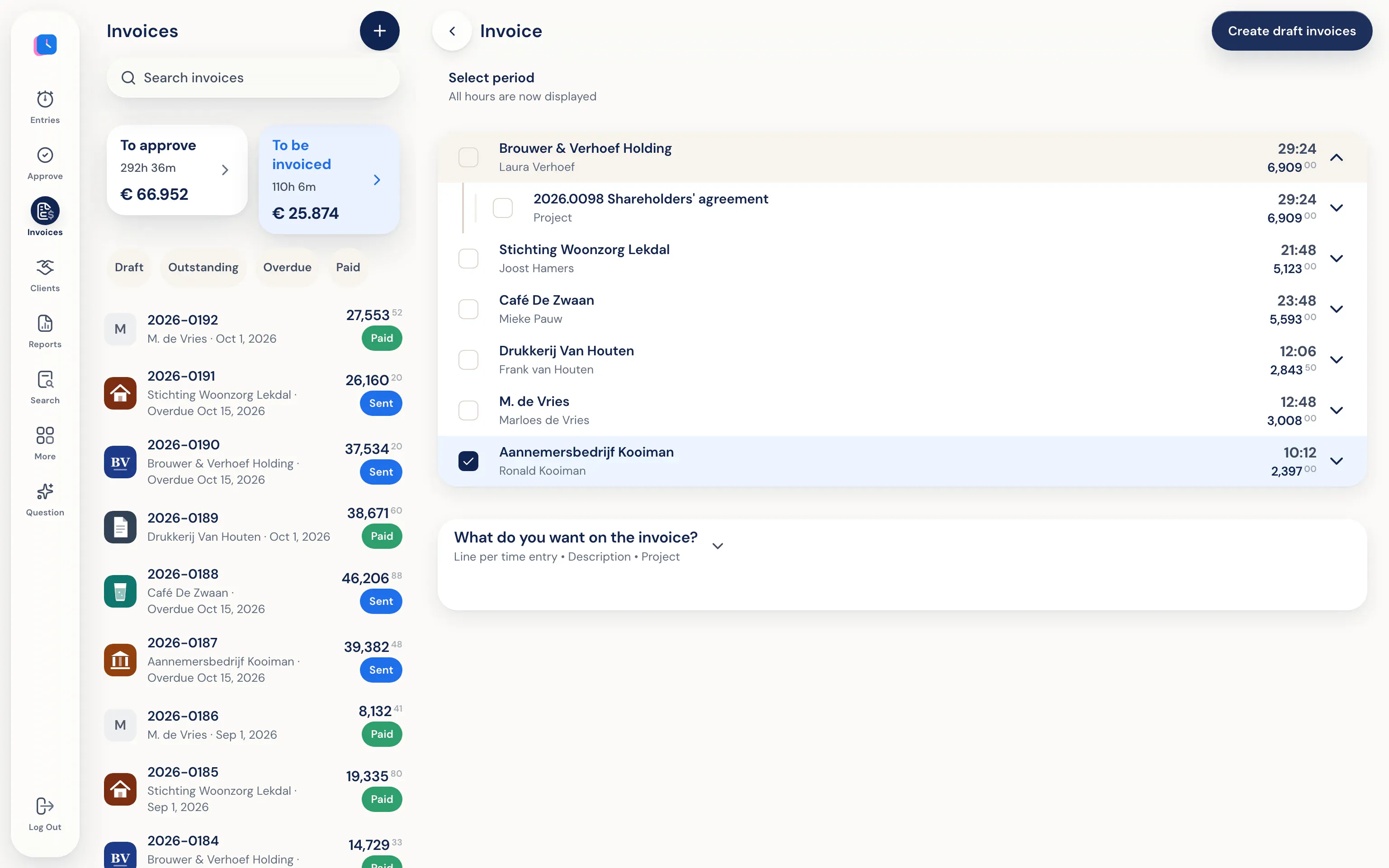
Approved hours become an invoice.
Half5 creates draft invoices per client from approved hours (or, if approval is off, from all saved hours). Review them, download a PDF, or send them by email—optionally with a copy to your accountant.
Confidential—even inside your firm.
Your timeline is only on your own devices, end-to-end encrypted. Partners, admins, and Half5 can't open it. The firm only sees the hours you submit, with the description you write.
Go to the trust center- Only you see your timeline Your computer and phone put your day on a timeline that stays only on your own devices, end-to-end encrypted. Your manager, admins, and Half5 can't access it.
- Your manager sees what you submit Your manager and admins can see the hours, drives, and leave you submit, and approve them weekly. Colleagues without that role can't see them.